
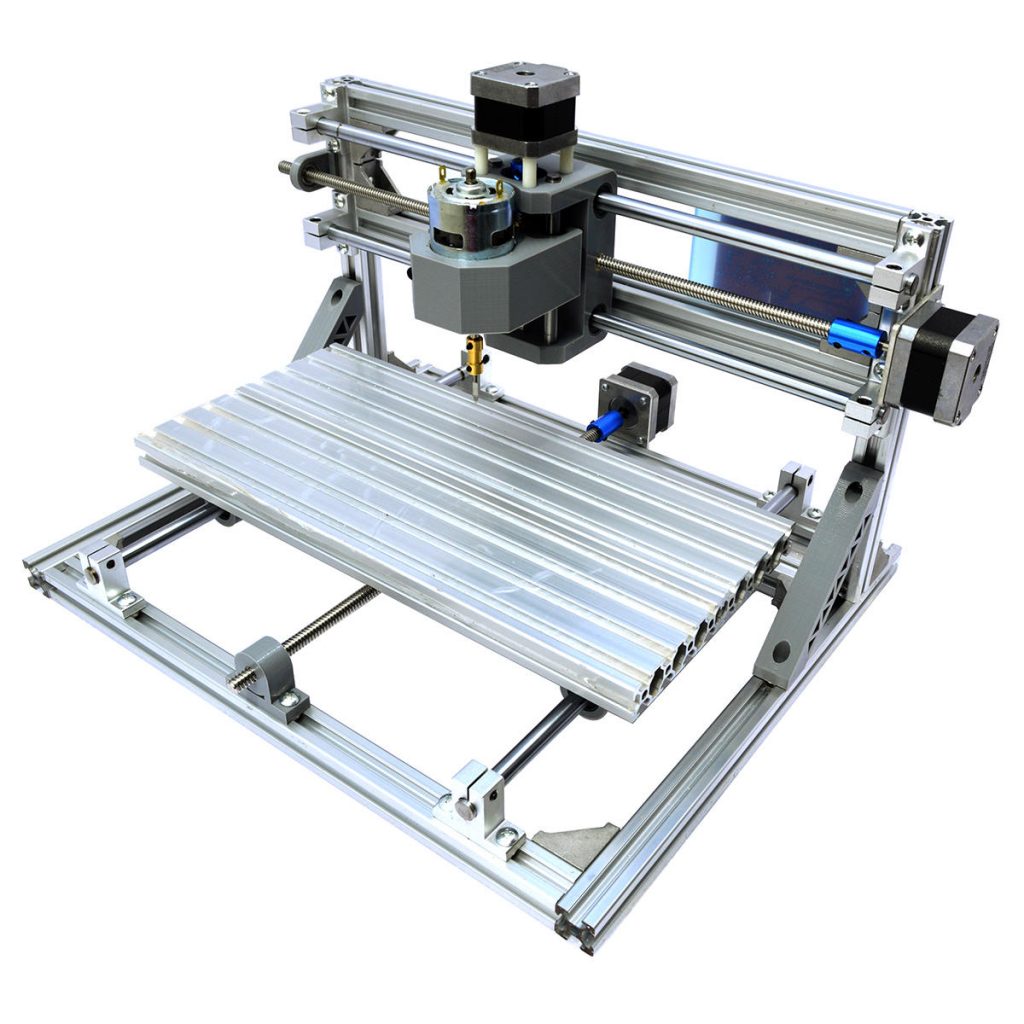
After playing with 3D printers, I started looking into a CNC. Naturally, since 3D printers had come down to the sub $200 range, I was hoping to find something in the CNC world in the same range. Not too much there. If you go up to the $200-250 range there are a few Chinese models most with the 3018 model number. This is a shortcut for the working area. A 3018 is 300mm x 180mm working area which is 11.8 x 7 inches. Not horrible but I was pretty certain I would outgrow that pretty fast. I would be fine for milling PCBs which is something I wanted to be able to do but I also wanted to be able to cut mill wood for signs, plaques etc. That would be a pretty small sign.

Next size up was the 3040s which is 11.8 x 15.7 inches. Closer, but still not sure I would be happy with that not to mention that they are in the $450 – $600 price range. That was too close in price to the Bob CNC which goes for about $700 and has a 17.7 x 15.3 inch working area. Kind of an ingenious design. Laser cut plywood with a Dewalt trim router for the spindle. My only concern was the rigidity of the wooden frame. Once you dig into CNC you learn that rigidity is king. That is what will dictate speed and materials that you can cut. So the hunt continued.
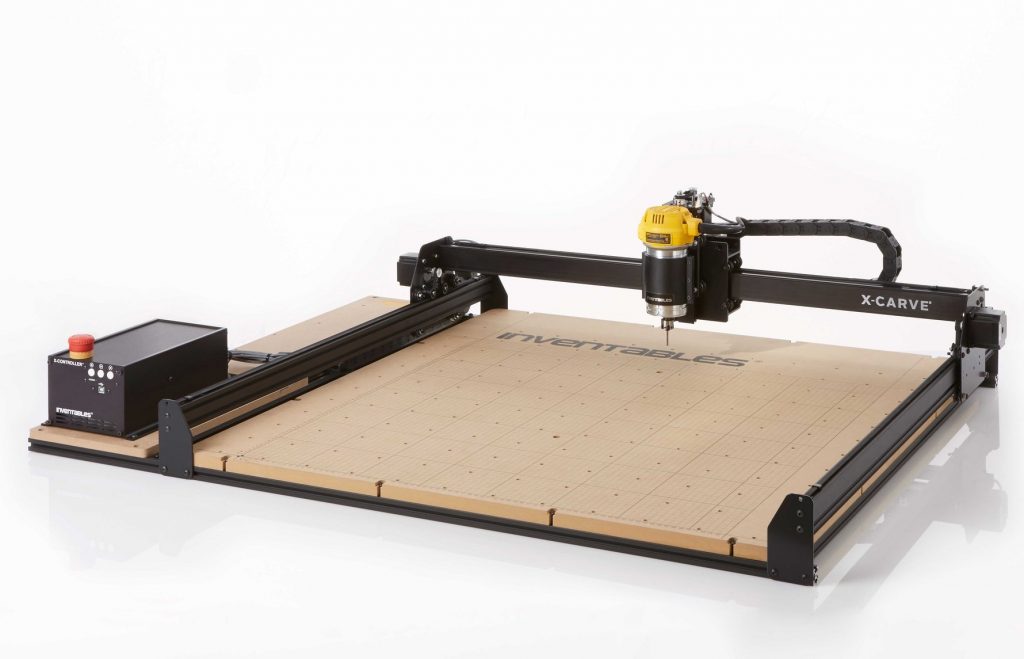
As I was looking at reviews for the Bob CNC, I was seeing a lot of mention of the X-Carve and Shapeoko 3 machines. The X-Carve looked nice. 19 x 19 inch working area. extruded aluminum frame. Dewalt 611 router. Only problem, this kit cost $1800. That was more than I wanted to spend. So how about the Shapeoko? 16 x 16 inch working area. True, a little bit smaller but you can expand the machine later. That sounds like a good thing. Start with a smaller machine and work up when needed. Looks like an upgrade is about $100 more than if you bought the larger machine to begin with. Makes sense since that is probably the cost of the parts on the standard size Shapeoko 3 that cannot be reused. There was another advantage of the Shapeoko over the X-carve, Rigidity! remember, I said rigidity is king. The Shapeoko extrusions are much stiffer. I saw videos of people putting a little weight on the X-Carve gantry and flexing it. The Shapeoko you can put almost all your weight on it and it doesn’t budge.
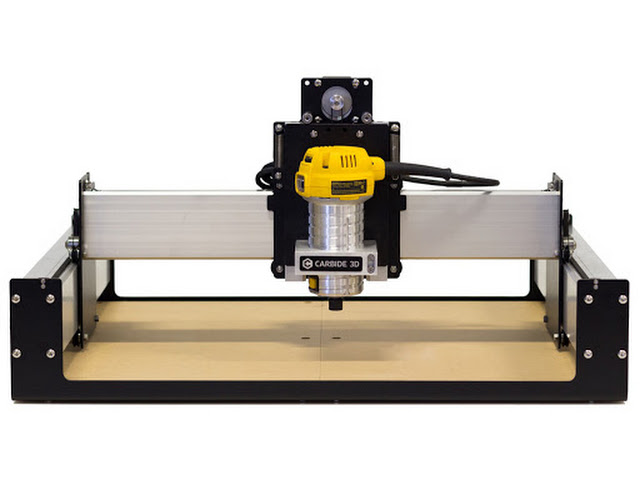
So, what did I do? I got a Shapeoko 3 standard size and thus far, have no regrets. It is a very capable machine and I have been able to make a great many things with it. Getting the machine is only the first step in a long learning journey. It is a fun adventure. I have added a few things to the machine, each of which will get their own post on how I went about it. The first thing I added was an E-Stop or emergency stop button. It only takes a couple of times of things crashing into the stops before you want a quick way to shut things off. The little power switch that comes with the Shapeoko is pretty small. I also added solid state relay for the router so the machine can turn the router on and off. I added a touch probe and a Suckit Dust Boot. As I said, I will dedicate a post to each of those as well. If you are looking for that first CNC machine and you don’t want to throw money at something you will quickly outgrow, the Carbide 3D Shapeoko 3 is a great choice.